
Best Temperature for AC in a Dallas Summer
The best temperature for AC in summer is about 78°F while you’re home; raise it when you’re away and adjust for comfort. Call Dallas 24 Hour HVAC at (469) 369-0748 for thermostat installation when the control won’t hold its setting.
Need help now? (469) 369-0748
Best Temperature for AC in Summer: A Dallas Starting Point
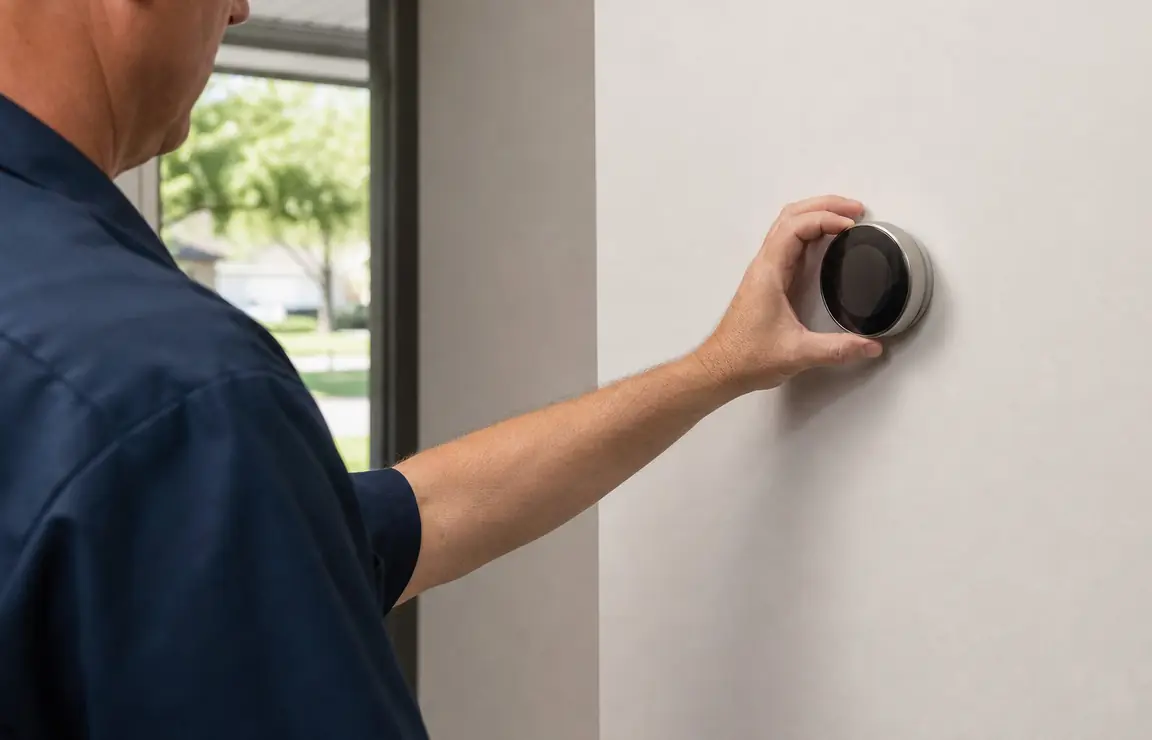
Set your thermostat near 78°F when you’re home and awake, then move it a degree or two at a time until the room feels comfortable. A higher setting usually means less cooling demand; choosing a much lower number won’t make the AC cool the house faster.
Treat 78°F as a starting point, not a rule that overrides comfort. Sun-facing rooms, cooking, guests, and activity can change how warm a space feels, so use the temperature where you spend time rather than chasing one number throughout the house.
The U.S. Department of Energy’s Home Cooling 101 guide covers summer thermostat settings and filter care. Check the air filter before you lower the setpoint: a dirty filter can restrict airflow, and the Department of Energy says replacing or cleaning one can lower an AC’s energy use by 5 to 15 percent.
Dallas Summer Heat Makes a Steady Setpoint Useful
North Texas heat can keep a central AC running for long stretches. The National Weather Service’s 1991–2020 climate normals put DFW Airport’s normal July high at about 96°F. That sustained outdoor heat can make a home warm up quickly when the thermostat is set too high or cooling is turned off for much of the day.
For a workday away from home, raise the setting rather than shutting the system off entirely if you want to limit how warm the house gets. When you return, set the thermostat to your usual comfortable temperature—not several degrees below it. Check whether the system can hold the setpoint and whether rooms cool evenly.
The National Weather Service’s DFW climate normals put that summer heat in context. In a hot spell, use a consistent setting and check the filter regularly instead of repeatedly making large thermostat changes.
Set Your Thermostat in Seven Practical Steps
- Check the current mode — Look at the thermostat display and confirm it is set to Cool, not Heat or Off. Check that the fan setting matches your preference; Auto runs the fan with cooling rather than continuously.
- Read the displayed temperature — Compare the room’s feel with the number on the display. If they seem far apart, check the thermostat’s manual for its display and sensor placement guidance before changing settings.
- Choose a home setpoint — Set the temperature near 78°F while you’re home, then wait for the rooms to respond before making another change. Check whether the main living space becomes comfortable without making one room uncomfortably cold.
- Set an away temperature — Raise the setpoint for hours when the home is empty rather than turning cooling off automatically. Check your schedule after programming it so the house begins cooling before you expect to be home.
- Check the air filter — Find the filter slot and look for dust buildup or a filter that has reached its replacement interval. Use the size and type specified for your system, then check whether airflow from the supply vents improves.
- Keep the thermostat clear — Make sure lamps, direct sunlight, and heat-producing appliances are not warming the thermostat’s immediate area. After removing a nearby heat source, see whether its reading better matches the room.
- Observe a full cooling cycle — After setting the temperature, note whether the AC starts, runs, and shuts off as the room reaches the setpoint. If the display changes but the room does not respond, or the temperature keeps drifting, stop lowering the setting and arrange an HVAC check.
Need help now? (469) 369-0748
Choose a Fixed Setting or a Daily Cooling Schedule
The right control depends on how predictable your routine is and whether you prefer to adjust the temperature yourself. A thermostat schedule is only useful when its programmed times match when the house is occupied.
One steady setting
Use a consistent setpoint if someone is home most of the day or you want the fewest adjustments. Check comfort in the rooms you use most; a single thermostat may not reflect every room’s temperature.
A programmed schedule
Use scheduled settings when your home and away hours follow a regular pattern. Review the weekday and weekend schedules separately, then check that a temperature change happens at the time you expect.
Manual adjustments
Choose manual changes when your routine varies or you want to respond to the day’s comfort. Make one small adjustment at a time and observe the result instead of repeatedly changing the setpoint.
Check These Signs Before Blaming the Temperature Setting
A thermostat number cannot correct an airflow or equipment problem. Before setting the AC colder, look for these clues and note what happens; that information helps a technician narrow down the problem.
- The display is blank or keeps restarting — Check whether the thermostat has batteries and whether they need replacement, following the manual. If the screen remains blank, the issue may need a professional check.
- The room temperature does not match the display — Check whether direct sun, a lamp, or nearby heat is affecting the thermostat. If the gap remains after removing an obvious heat source, use this guide to symptoms of a bad thermostat.
- The AC does not respond to a setting change — Confirm Cool mode and the setpoint, then check whether the system starts. If it still does not respond, avoid repeated setting changes and have the AC and thermostat checked.
- The system runs but comfort does not improve — Look at the filter and check whether air is coming from the supply vents. If airflow is weak or the home remains warm, the issue may be with the AC rather than the thermostat setting.
A Summer Humidifier Usually Isn’t the First Fix for Sticky Air
A humidifier in summer adds moisture, so it is not usually the first choice when a Dallas home already feels damp or sticky. Check whether the AC is cooling normally and whether the thermostat fan is set to Auto; continuous fan operation can affect how moisture behaves at the indoor coil.
Do you need a humidifier in the summer? Only consider adding one after checking the actual indoor humidity and identifying why the air feels dry. If the home feels muggy while the AC runs, do not use a humidifier to solve it; have the cooling system and its controls checked instead.
Avoid changing humidity equipment and thermostat settings at the same time. Make one change, observe how the room feels, and note whether the AC completes its cooling cycle.
Need help now? (469) 369-0748
Call for Thermostat Installation When Settings Don’t Control the AC
Call an HVAC professional when the thermostat will not turn cooling on, cannot hold a setpoint, displays an unexplained temperature, or has wiring or installation concerns. Do not remove the thermostat from the wall or handle its wiring; the control is connected to the HVAC system.
Dallas 24 Hour HVAC provides thermostat installation service. Owner Michael Anderson has 28 years of heating and air conditioning experience. When you call, describe what the display shows, the setting you chose, and whether the AC starts or stops.
For a separate cold-weather plan, see our guide to best thermostat settings for winter. A temperature that works in summer is not automatically the right setting for heating season.
Frequently asked questions
What temperature is best to keep your house at in summer?
Start near 78°F while you’re home, then adjust a degree or two based on comfort. Raise the setpoint when the house is empty and check that the schedule matches your actual routine.
Do you need a humidifier in the summer?
Not simply because it is summer; first check the indoor humidity and make sure the AC is cooling as expected. If the house feels damp or sticky, adding moisture is unlikely to address the problem.
Is it better to turn the AC off while you’re away?
Raising the thermostat is usually a more practical choice than turning cooling off for a long absence, especially during a hot Dallas day. Set it higher while away, then return it to your comfortable setting when you get home.
When should I call for thermostat installation in Dallas?
Call when the thermostat cannot control the AC, will not hold its setting, or shows a reading that does not fit the room after you check for nearby heat or sunlight. Tell the HVAC technician what setting you chose and how the system responded.
Need a Thermostat Checked or Installed?
Call Dallas 24 Hour HVAC at (469) 369-0748 for thermostat installation or an AC issue that does not respond to your settings.